
Before you start
Make sure you have everything in place before following the steps below.
Step-by-step
Four steps to get EULER running in ChatGPT.
Enable Developer Mode
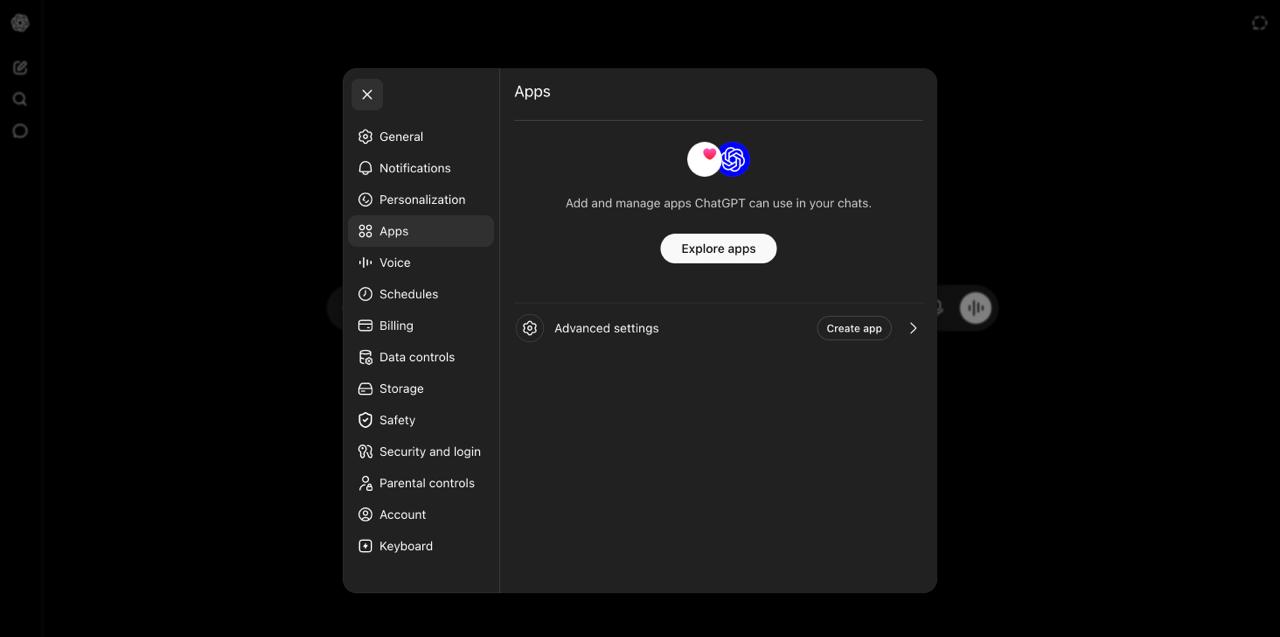
Developer Mode unlocks the ability to add custom MCP apps. Here is how to turn it on:
- Click your profile picture or name in the bottom-left corner of ChatGPT, then choose Settings from the menu.
- In the Settings panel, click Apps in the left sidebar.
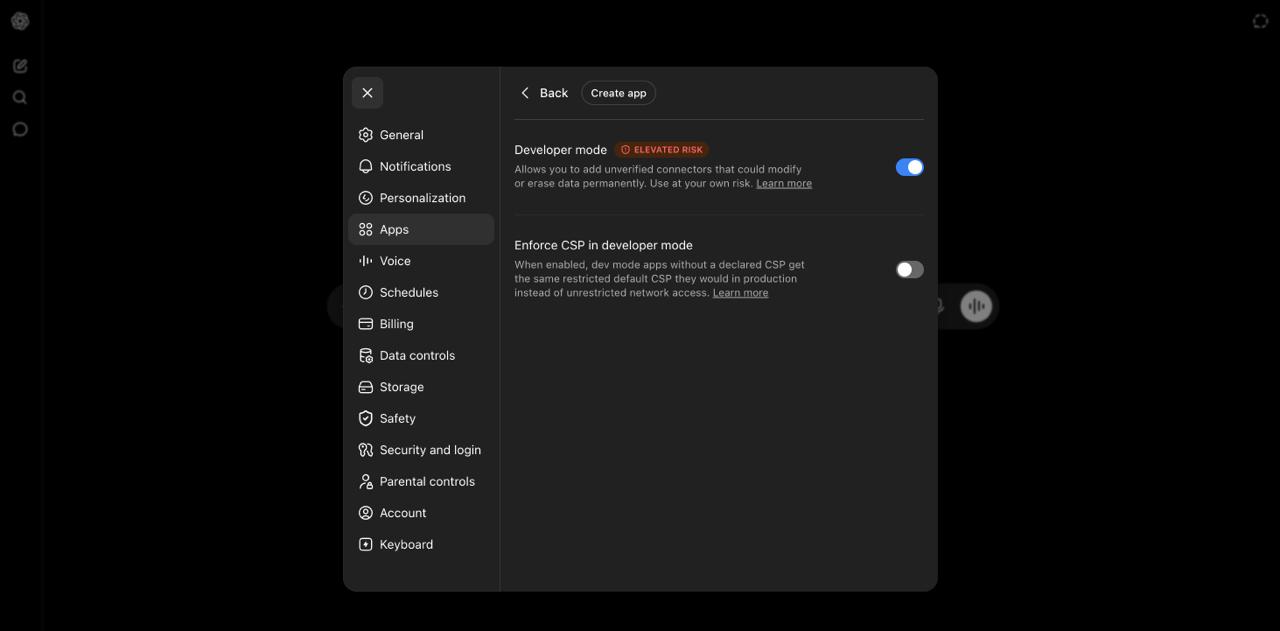
- At the bottom of the Apps section, click Advanced settings.
- Toggle Developer mode on so it turns blue, then go back.
Create a new App for EULER
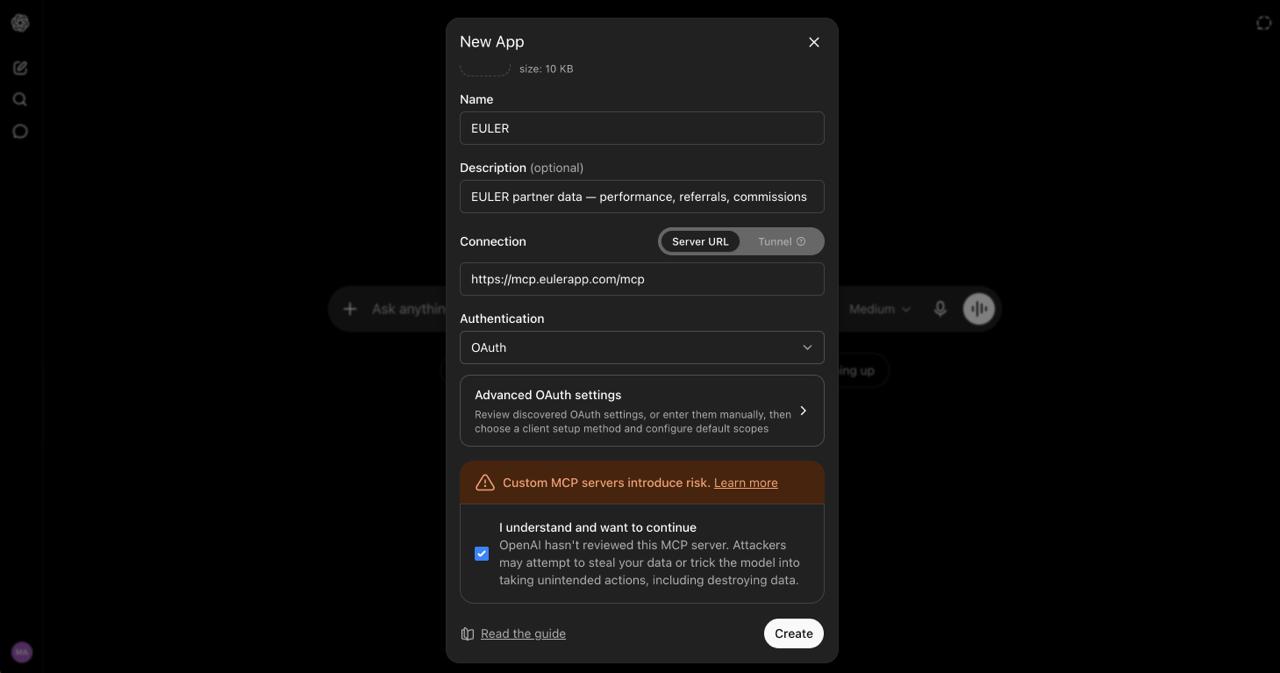
In Settings → Apps, click the Create app button (visible after Developer Mode is enabled). A "New App" dialog opens — fill it in like this:
| Field | Value |
|---|---|
| Name | EULER |
| Description | EULER partner data — performance, referrals, commissions |
| Connection → Server URL | https://mcp.eulerapp.com/mcp |
| Authentication | Leave as OAuth (auto-detected) |
Check the acknowledgment box ("I understand and want to continue…"), then click Create.
Authorize your EULER account
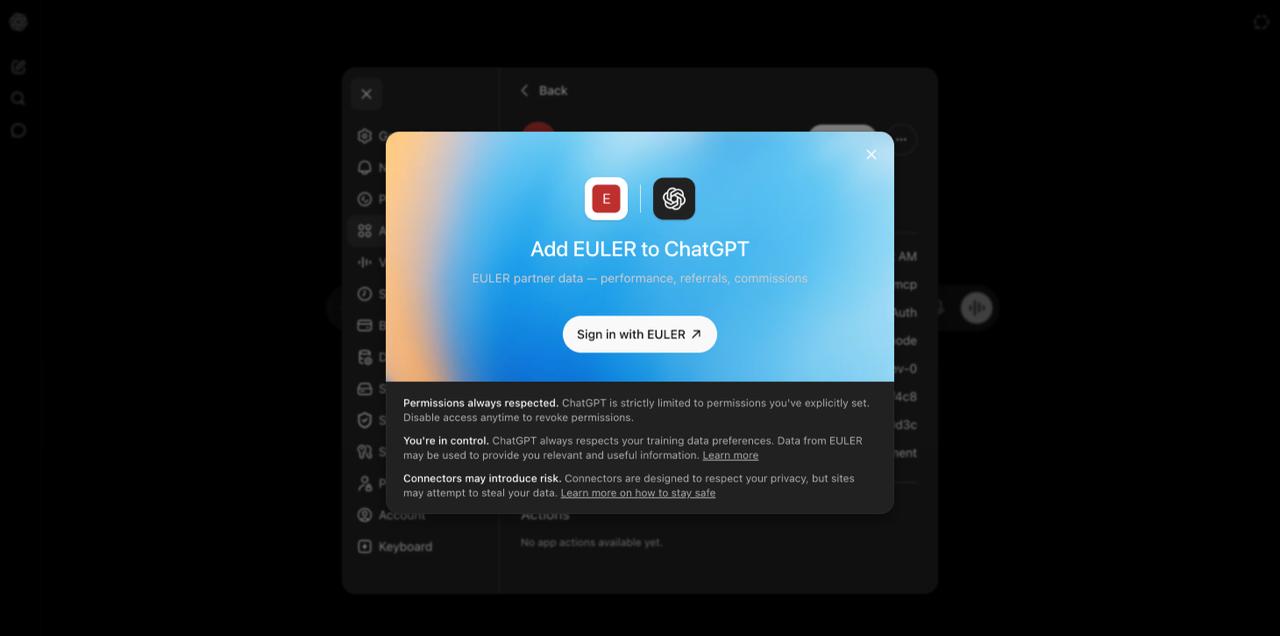
After clicking Create, a popup immediately asks you to connect EULER. Click Sign in with EULER to start the login flow.
The EULER login page opens in a browser window. Sign in with your EULER email and password.
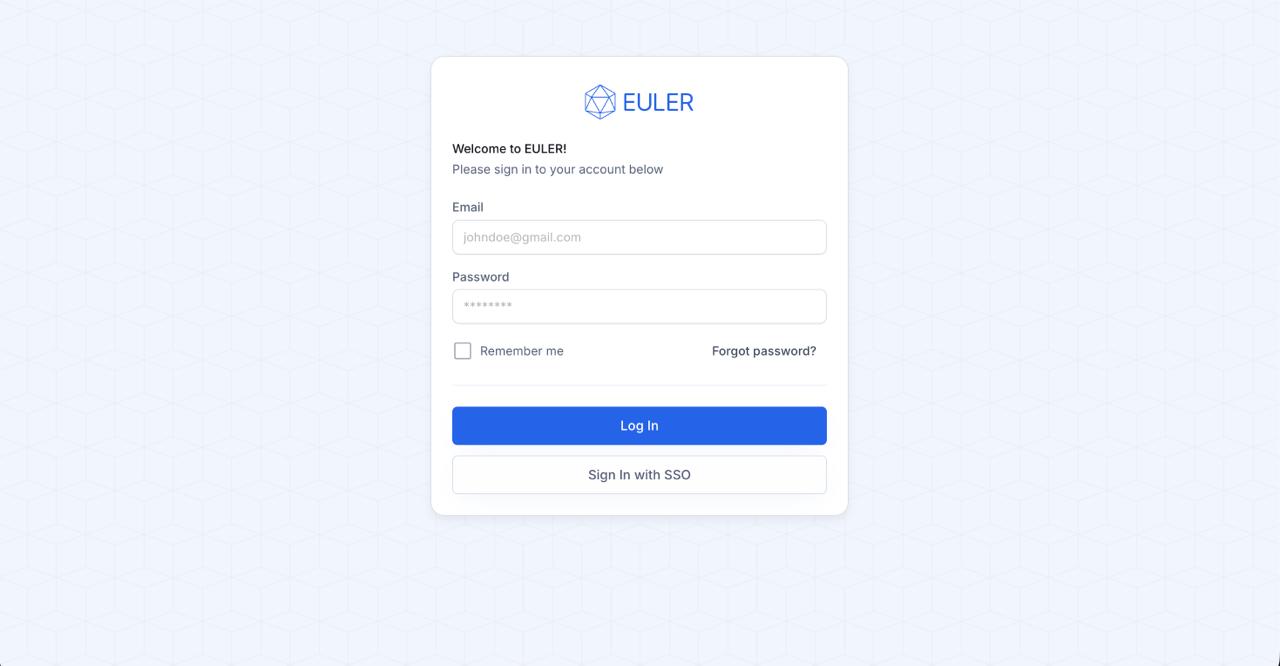
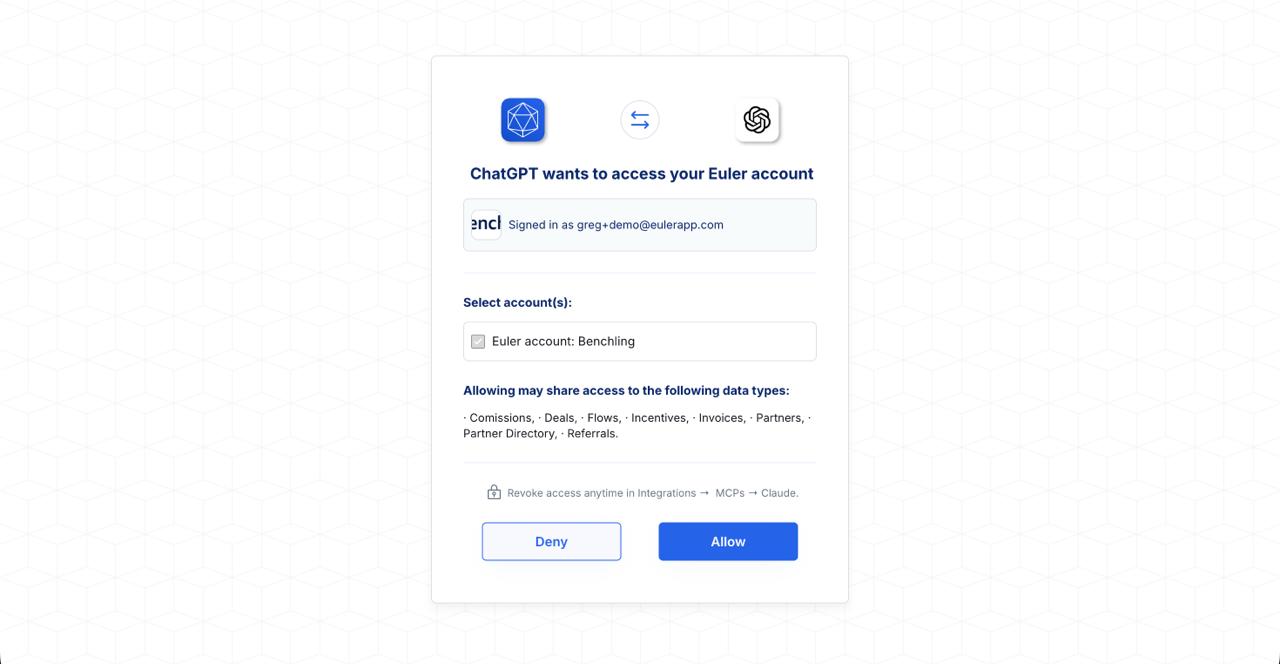
After logging in, EULER asks which accounts you want to grant ChatGPT access to. Select your account(s) and click Allow.
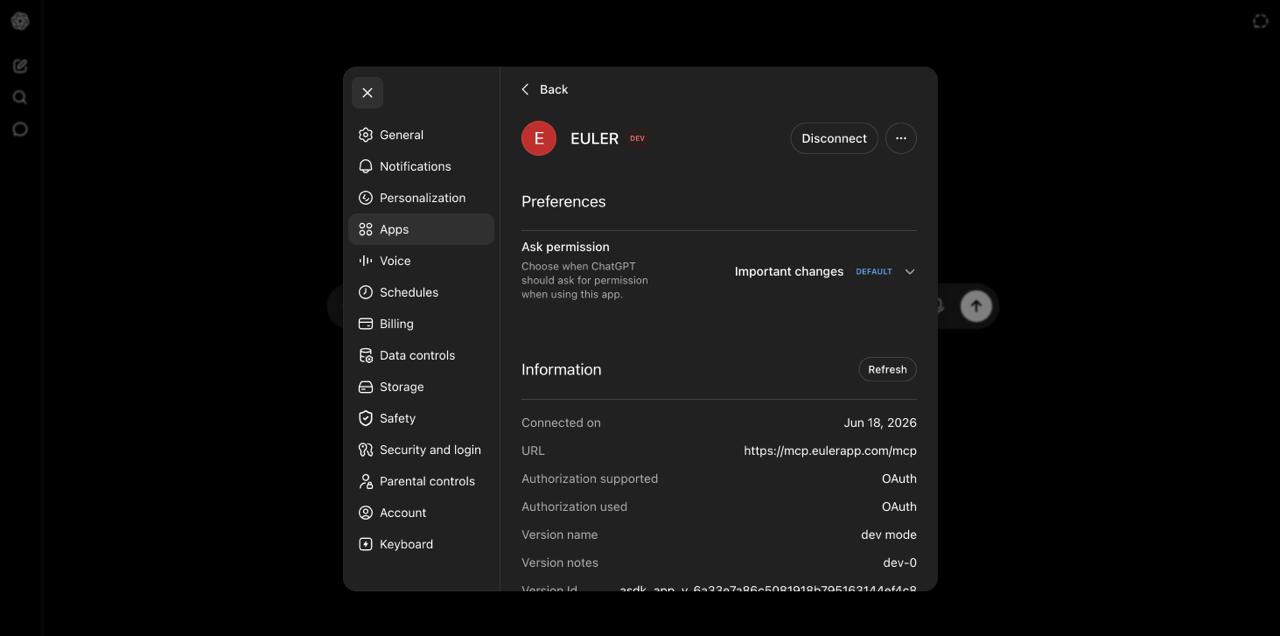
You are redirected back to ChatGPT. The EULER app now appears as connected in Settings → Apps. You will not be asked to log in again.
Use EULER in a chat
Activate the EULER app for any conversation where you want partner data:
- Open a new conversation in ChatGPT.
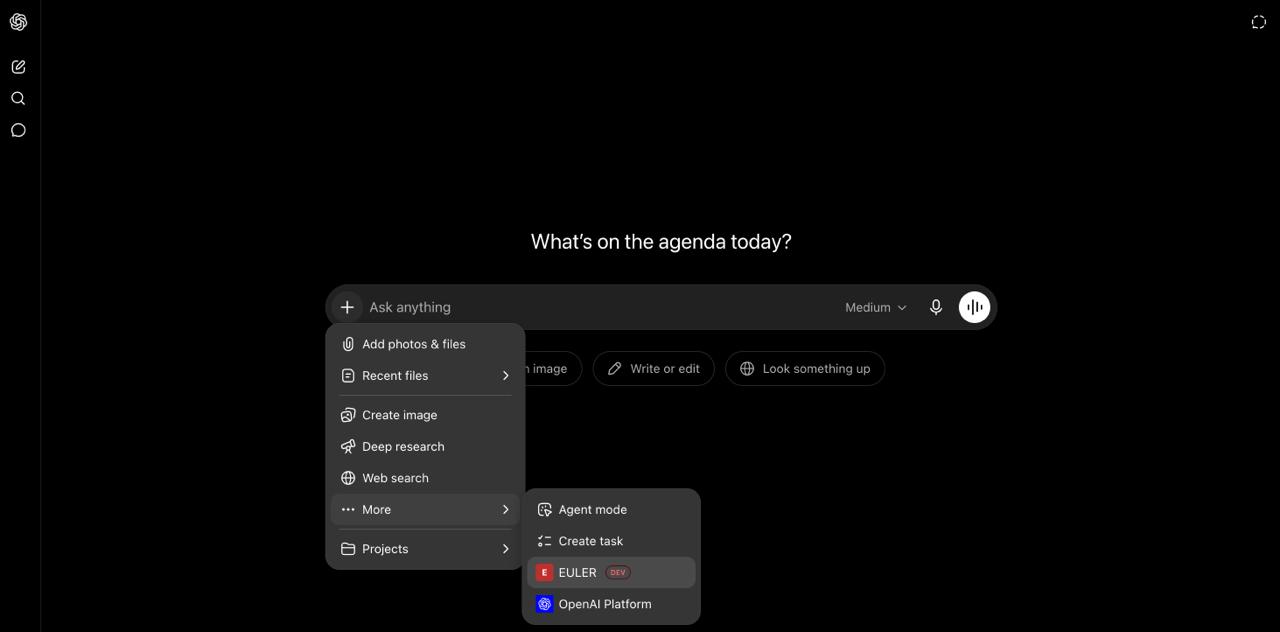
- Click the + (plus) icon in the bottom-left of the message input bar.
- A menu opens showing your available apps. Click More if EULER is not visible immediately, then click EULER to activate it.
- Type your question and send it. ChatGPT calls EULER tools automatically and shows the results.
| You type… | What happens |
|---|---|
| “Show me top partners this quarter” | ChatGPT calls EULER's performance tool and returns ranked partner data |
| “Any pending commissions?” | ChatGPT calls the commissions tool and summarizes pending payouts |
| “Submit referral for Acme Corp” | ChatGPT calls the submit referral tool and confirms the action |
Troubleshooting
Common problems and how to fix them.
| Problem | What to do |
|---|---|
| I don't see Developer Mode | You need a Pro, Plus, Business, Enterprise, or Education plan. Free accounts do not support this feature. |
| I'm on a Business plan and the toggle is grayed out | Your workspace admin needs to enable Developer Mode in Workspace Settings → Permissions & Roles → Connected Data. |
| App was created but EULER returns errors in chat | Try removing the app and re-adding it so the authorization flow runs again. Make sure you completed the EULER login step when prompted. |
| EULER is active but returns empty results | Make sure your EULER account has data for the date range or query. Try a broader question to confirm the connection is working. |
| 401 Unauthorized error | Your authorization session has expired. Remove EULER from your Apps list and re-add it to go through the login flow again. |
Also available on Claude & Gemini CLI
Prefer a different assistant? EULER connects the same way everywhere — one URL, one login, no API key.